
A security camera system that doesn’t deliver usable footage when you need it isn’t a security system — it’s false confidence. These five mistakes account for the vast majority of systems that record footage nobody can actually use for identification or investigation.
📋 Table of Contents
1. Poor Camera Placement
Placement is the single most impactful factor in whether footage is usable — and it’s set at installation time, not in the settings menu. The most common placement mistakes:
- Too high — Mounting above 12 feet angles the camera downward past usable facial recognition range. You see the tops of heads, not faces.
- Facing into the sun — East-facing cameras in the morning or west-facing cameras in the afternoon constantly fight against direct solar glare. Any subject in front of that light becomes a silhouette.
- Covering the wrong zone — A camera pointed at the general area of a door instead of specifically framing the entry point will capture activity but miss the detail that makes footage useful.
- No overlap — Single-camera coverage creates blind spots. A subject exits one camera’s frame and disappears entirely.
The fix: Before drilling, stand at the camera location and look through your phone camera. Mount at 7–9 feet for best facial capture. Keep light sources behind the camera, not in front.
2. Dirty Lenses and Dome Covers
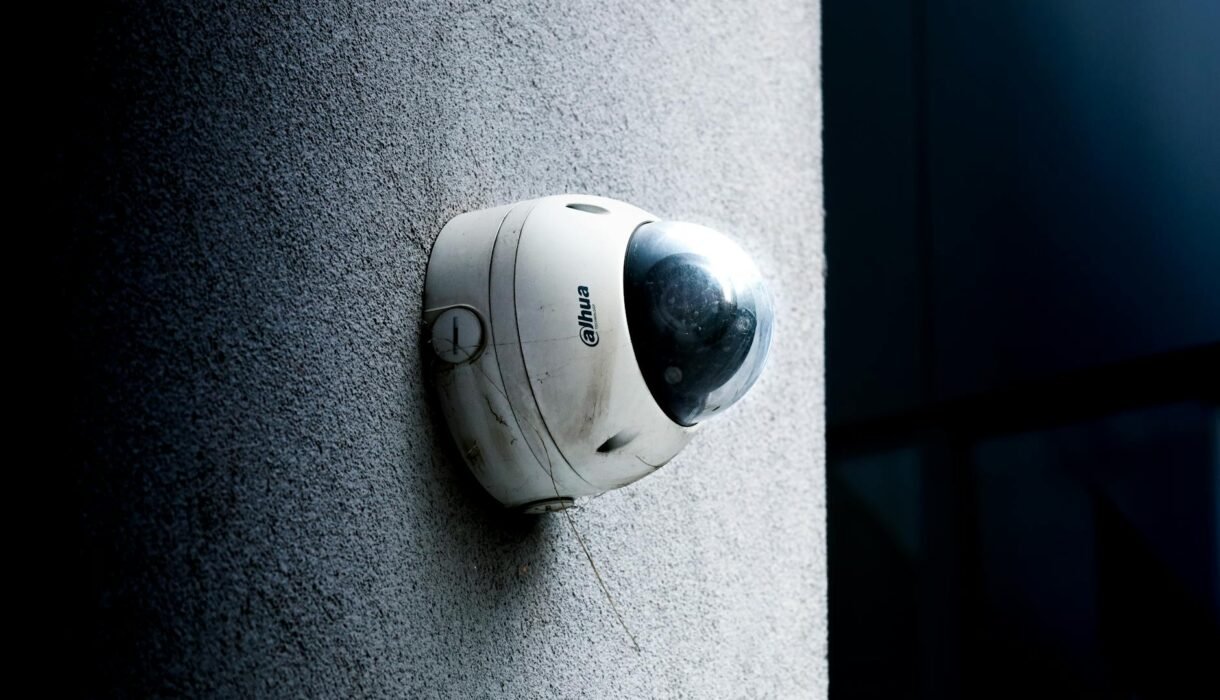
Cameras are installed once and cleaned… almost never. Outdoor lenses accumulate dust, water spots, pollen, and vehicle exhaust. The result: reduced contrast in daylight and — more dramatically — a white haze in night footage from IR light reflecting off the contamination layer.
This effect (called IR bounce-back) is the most common cause of poor nighttime footage. Spider webs are a specific variant of this problem — spiders are attracted to infrared LEDs and build webs directly in front of the lens, triggering constant motion alerts while blocking the actual field of view.
The fix: Clean camera lenses quarterly with a microfiber cloth. Check for webs monthly during warm weather. A 10-minute cleaning can restore night vision performance that took months to degrade.
3. Ignoring Infrared Limitations
Traditional IR cameras illuminate the scene with infrared light. The problem: IR has real physical limits that most people don’t account for when placing cameras.
- IR range vs. advertised distance — A camera rated for “100 foot night vision” produces useful footage at 40–60 feet. Marketing range numbers assume ideal, open conditions.
- IR saturation — Objects too close to the camera are overexposed by the IR flood, washing out detail.
- Grainy processing — Budget cameras without proper ISP technology produce heavy digital grain at night even when IR illumination is adequate.
The fix: Test night vision immediately after installation. Reposition if coverage distance is insufficient. For high-quality night vision without heavy noise, look for cameras with ISP technology. Our Titanium 4MP Turret Camera uses advanced ISP processing for significantly cleaner night footage.
4. Exposed Wiring and Poor Mounting
Cable runs that aren’t properly protected fail — it’s a matter of when, not if. Exposed RJ45 connectors at the back of outdoor cameras corrode from moisture within 12–24 months in humid climates.
Common wiring mistakes:
- No junction box behind outdoor cameras — connection exposed directly to weather
- Cable run outside along exterior walls without conduit or cable management channel
- Drip loops missing — water runs directly down cable into connector
The fix: Use a junction box on every outdoor camera. Run cables inside conduit on exposed exterior runs. Create a drip loop at every outdoor connector entry point.
5. Using Low-Quality Equipment
Cheap cameras advertise impressive resolution numbers and deliver underwhelming real-world footage. The resolution spec can be legitimate — the ISP that processes that resolution isn’t. Low-cost cameras typically struggle with dynamic range, low-light detail, accurate color, and motion handling in fast-moving scenes.
The fix: Buy cameras at the professional end of the market. Our 4-Channel 4MP Camera Kit and 8-Channel 4K Kit are complete systems built for real-world reliability.
If you’re unsure whether your current system’s problems are fixable or whether it’s time to upgrade, Roylance Consulting can evaluate your setup and give you an honest assessment.
Frequently Asked Questions
Why does my security camera footage look blurry?
The most common causes are a dirty lens, incorrect focus (on varifocal cameras), or a camera mounted too far from the subject. Check the lens first — IR bounce-back from a dirty dome cover creates a blurry haze that’s often mistaken for focus problems.
Why does my camera look good during the day but bad at night?
Night performance is primarily a function of the image processor (ISP), not just the sensor or resolution. Budget cameras with basic ISP produce heavy grain at night. Clean the lens first, then evaluate whether the camera itself needs upgrading.
How can I improve my camera’s night vision without replacing it?
Clean the lens thoroughly, check for spider webs, and reposition the camera away from any reflective surfaces within 3 feet. If IR is reflecting off a nearby wall or ceiling, angle the camera slightly to avoid it. These steps often dramatically improve performance without hardware replacement.
How high should security cameras be mounted?
7–9 feet is the recommended height for cameras where facial identification matters. This height provides a good downward angle for face capture while keeping cameras out of easy reach. Above 12 feet, you primarily capture the tops of heads.
Can bad wiring cause my camera to go offline?
Yes — intermittent connectivity from a corroded or partially seated RJ45 connector is one of the most common causes of cameras dropping offline. A camera that frequently disconnects but comes back on its own is almost always a connection problem at the cable termination point.