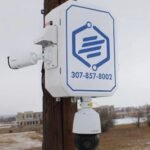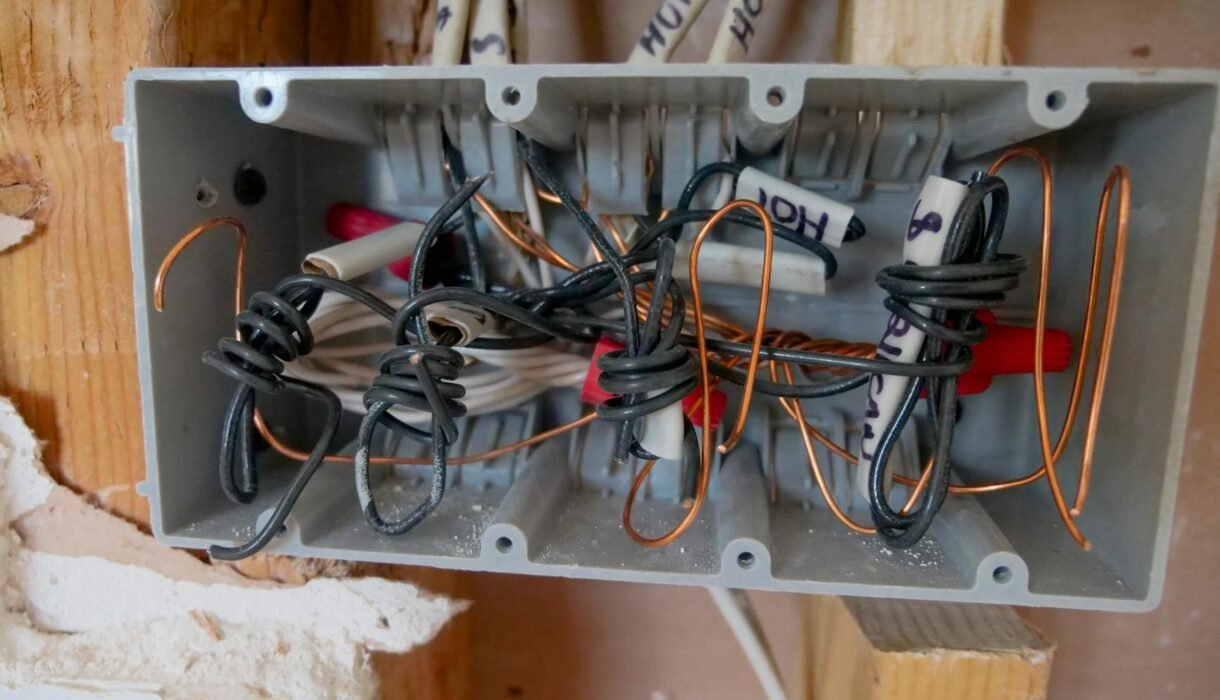

Junction boxes are one of the most skipped steps in DIY and budget CCTV installs — and one of the most visible signs of a professional job. They don’t appear in camera spec sheets. But the difference between an installation with and without proper junction boxes shows up months later in corrosion, false faults, water damage, and cameras that die prematurely.
📋 Table of Contents
What Is a CCTV Junction Box?
A junction box (also called a camera mount box or back box) is a protective housing mounted behind a security camera. It serves as the termination point for your cable run — containing the RJ45 connection, any power adapters, and excess cable slack in a weatherproof enclosure.
Without a junction box, your cable exits the wall or conduit and runs exposed to the camera. That connection point at the back of the camera mount is the most failure-prone part of the entire installation.
Why They’re Critical for Outdoor Installs
Outdoor environments are hostile to electronics. Here’s what happens without a junction box:
- Moisture ingress — Water wicks along the cable jacket and into the connector. RJ45 plugs corrode, causing intermittent connectivity and eventual failure.
- Temperature cycling damage — Expansion and contraction over seasons works on exposed connections and can crack insulation or pull plugs partially free.
- Insect nesting — Exposed cable holes and connector cavities are prime real estate for wasps, ants, and spiders, causing shorts and signal interference.
- Physical damage — Exposed cable is vulnerable to accidental impact, yard equipment, and deliberate tampering.
An IP65 or IP66-rated junction box eliminates all of these failure points. A weatherproof camera with an unprotected connection is only as reliable as its weakest point.
Clean Finish and Professional Appearance
Beyond protection, junction boxes solve the cosmetic problem of exposed cable management. Without one, excess cable typically hangs in a loop behind the camera or gets stuffed into a rough hole in the wall.
With a proper junction box, excess cable is coiled neatly inside the box, no exposed connections are visible from outside, and the camera sits flush against a clean, mounted plate. For commercial properties and anywhere clients will see the installation, the visual difference is significant.
Serviceability: The Long-Term Benefit
This is the most underappreciated advantage. Three years after installation, a camera needs to be replaced. Without a junction box, the technician deals with corroded connectors, insufficient cable length, and difficulty assessing water damage. With a junction box, everything is organized and accessible — service time drops from 45 minutes to 10.
For multi-camera systems on commercial sites, serviceability planning at installation time is a significant cost saver over the life of the system.
Indoor Installs: When You Can Skip It
Indoors, the weather protection argument disappears. If cables route through ceilings or walls and all terminations are fully concealed and protected from physical contact, a junction box is not strictly necessary.
For drop-ceiling installs above tiles, a small box still makes service significantly easier. The trade-off in materials cost is almost always worth it.
Types of Junction Boxes for CCTV
- Standard wall mount boxes — Flat profile, mounts flush to wall or soffit. Works with turret and bullet cameras.
- Corner mount adapters — Designed for 90° corners, typically with a junction box integrated or attached.
- Gang boxes (flush mount) — For in-wall cable runs where the camera surface-mounts to a standard electrical box opening.
- Pole mount brackets with integrated housing — For freestanding pole-mounted cameras in parking lots or perimeter installs.
Explore complete camera systems with professional-grade installation hardware at our shop. For system design and installation planning on commercial projects, Roylance Consulting can help you spec the right components from the start.
Frequently Asked Questions
Do all security cameras need a junction box?
Not all — but outdoor cameras always benefit from one. Indoor cameras with fully concealed cable runs can omit them. When in doubt, include one. The cost is minimal and the long-term benefits in weatherproofing and serviceability are significant.
What IP rating should a junction box have?
For outdoor installs, IP65 is a minimum. IP66 is better if the camera location is exposed to direct rain or water spray. The box rating should match or exceed the rating of the camera itself.
Can I use any junction box with any camera?
Physically, most standard camera mount boxes work with any camera using a standard mount footprint. However, manufacturer-matched boxes ensure proper alignment and may include cable management features specific to that camera model.
Will a junction box prevent cable corrosion?
Yes, when properly installed with a good seal. The key is ensuring the cable entry into the junction box is properly sealed — glands, conduit fittings, or weatherproof putty prevent moisture from tracking into the box along the cable jacket.
How difficult is it to install a junction box?
Very straightforward. Mount the box to the surface, run cable into it through the cable entry point, connect to the camera at the back plate, then mount the camera to the box. Most installations take 10–15 minutes per camera location.