CCTV for Small Businesses: A Complete Guide to Protecting Your Premises in 2026
Posted in :


You don’t need a big budget or a team of security experts to run an effective CCTV system. But you do need to make the right choices upfront — because the wrong ones will cost you far more in the long run than the kit ever would.
Whether you’re running a shop, a warehouse, a café, or a small office, this guide cuts through the noise and tells you exactly what you need to know about CCTV for small businesses: what to buy, where to put it, what to avoid, and how to stay on the right side of the law.
Why Small Businesses Need CCTV (and Why Many Get It Wrong)
Small businesses are disproportionately targeted by theft, vandalism, and opportunistic crime. According to the British Retail Consortium, retail crime alone costs UK small businesses billions each year — and that doesn’t account for break-ins after hours, employee theft, or fraudulent insurance claims.
CCTV works on two levels: deterrence and evidence. A visible camera system discourages most opportunists before they act. And when something does go wrong, having quality footage can make the difference between a successful prosecution and an unprovable claim.
The problem is that many small businesses buy cheap, poorly positioned systems that look the part but fail when it matters. We’ve written about this in detail — see our post on the real cost of cheap security cameras — and it’s a pattern we see constantly.
Step 1: Plan Before You Buy
The biggest mistake small business owners make is buying cameras before they’ve thought about coverage. Walk your premises and ask:
- Where are the entry and exit points?
- Where is cash handled or stored?
- Are there blind spots an intruder could exploit?
- Do you need coverage outside (car park, delivery area) as well as inside?
- Where will you run cables — or do you need wireless?
Sketch a rough floor plan and mark where cameras need to go. This stops you overbuying in one area and underprotecting another.
How Many Cameras Does a Small Business Need?
There’s no magic number, but as a rough guide:
- Small shop or café (under 500 sq ft): 2–4 cameras
- Medium retail or office: 4–8 cameras
- Warehouse or multi-room premises: 8–16 cameras
Always prioritise entry points, the till area, and any external access. You can add cameras later as your budget allows — just make sure your recorder has spare channels.
Step 2: Choose the Right Camera Type
Not all cameras are built for the same job. The three types you’ll encounter most often are bullet, dome, and turret cameras — and each has its place in a small business security system.
Bullet Cameras
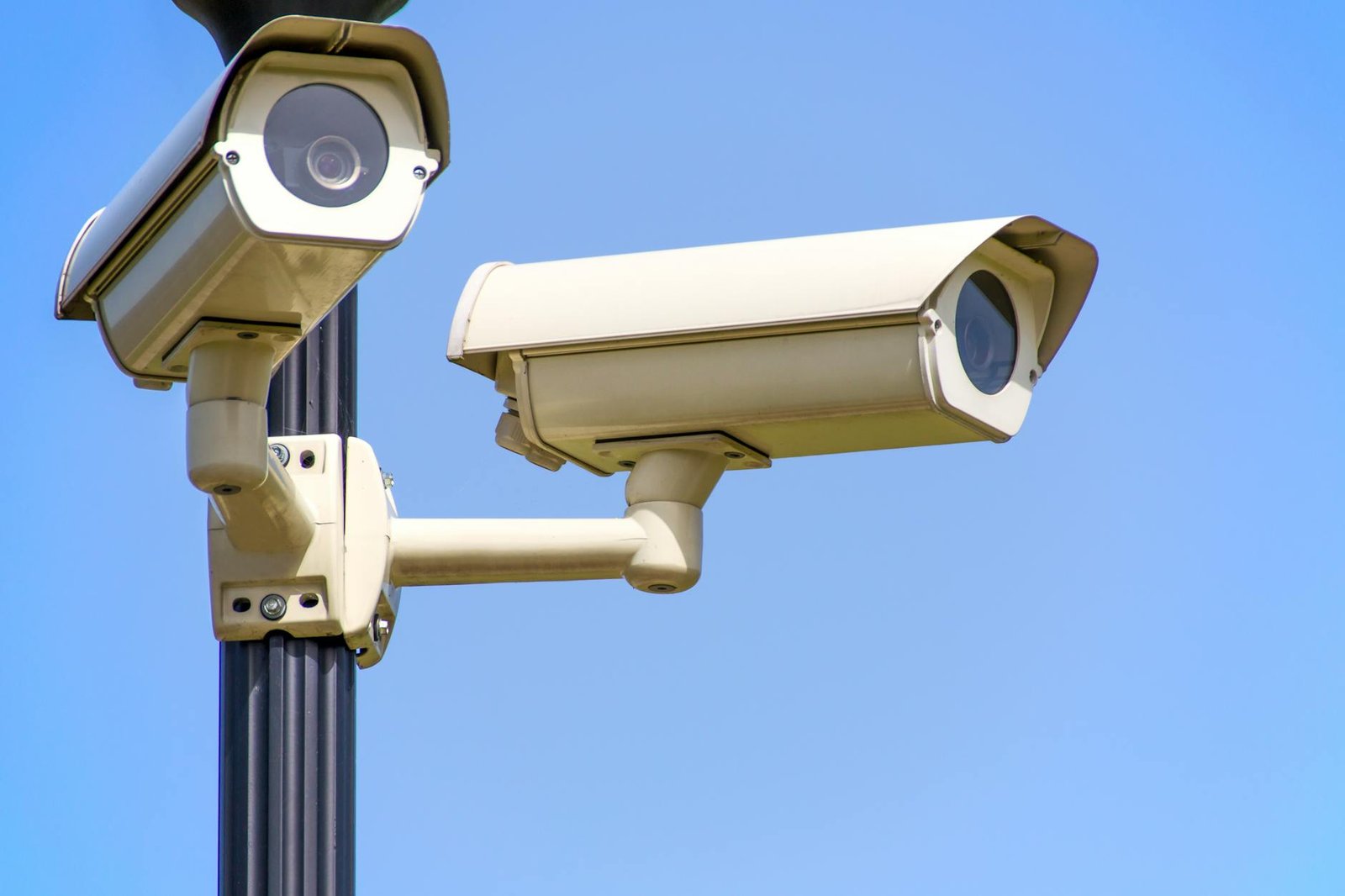
Long, cylindrical cameras that are highly visible and excellent for covering specific long-distance areas — like a car park, driveway, or the front of a building. Their visibility is actually an advantage: they’re a strong visual deterrent.
Dome Cameras
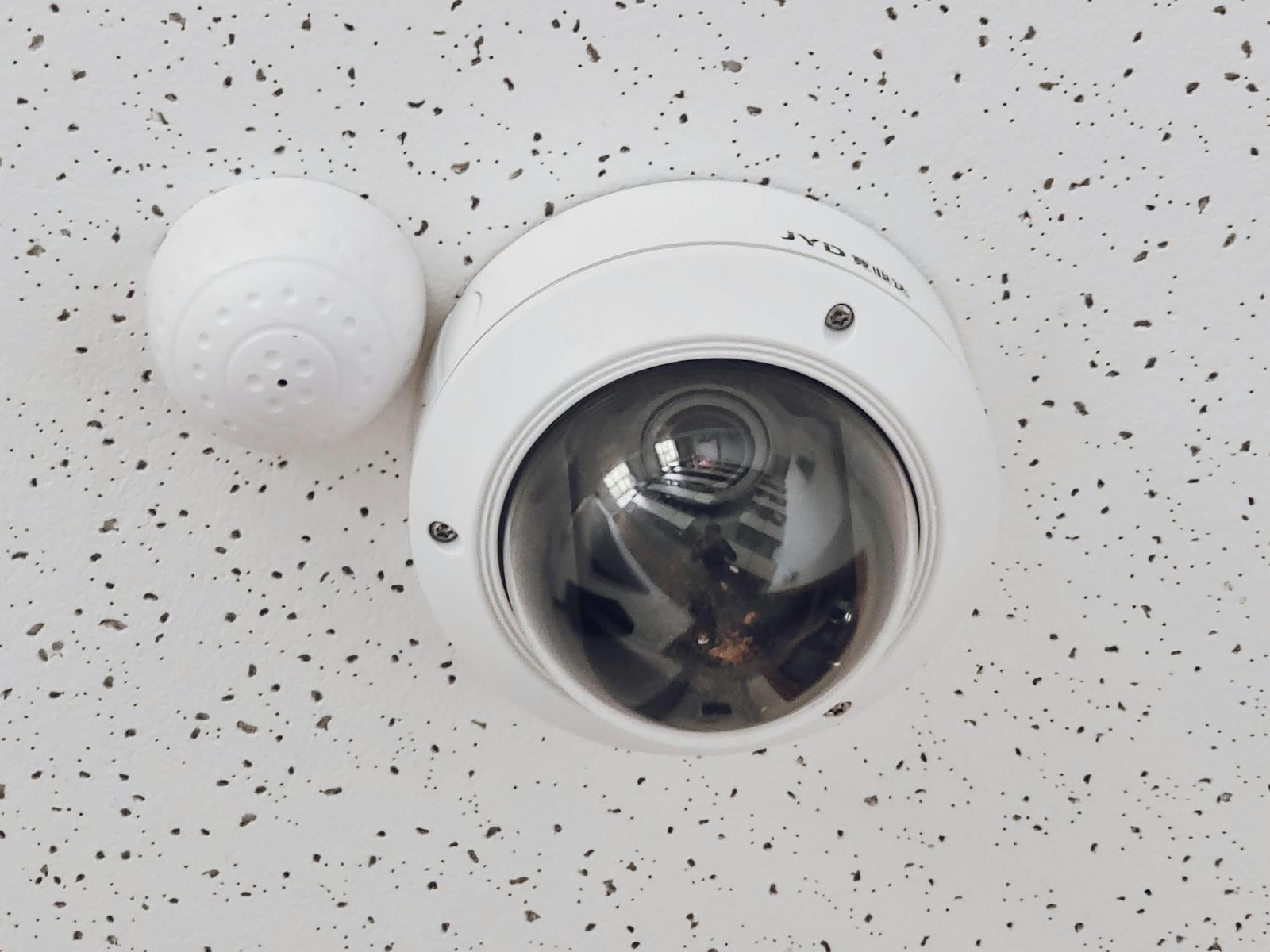
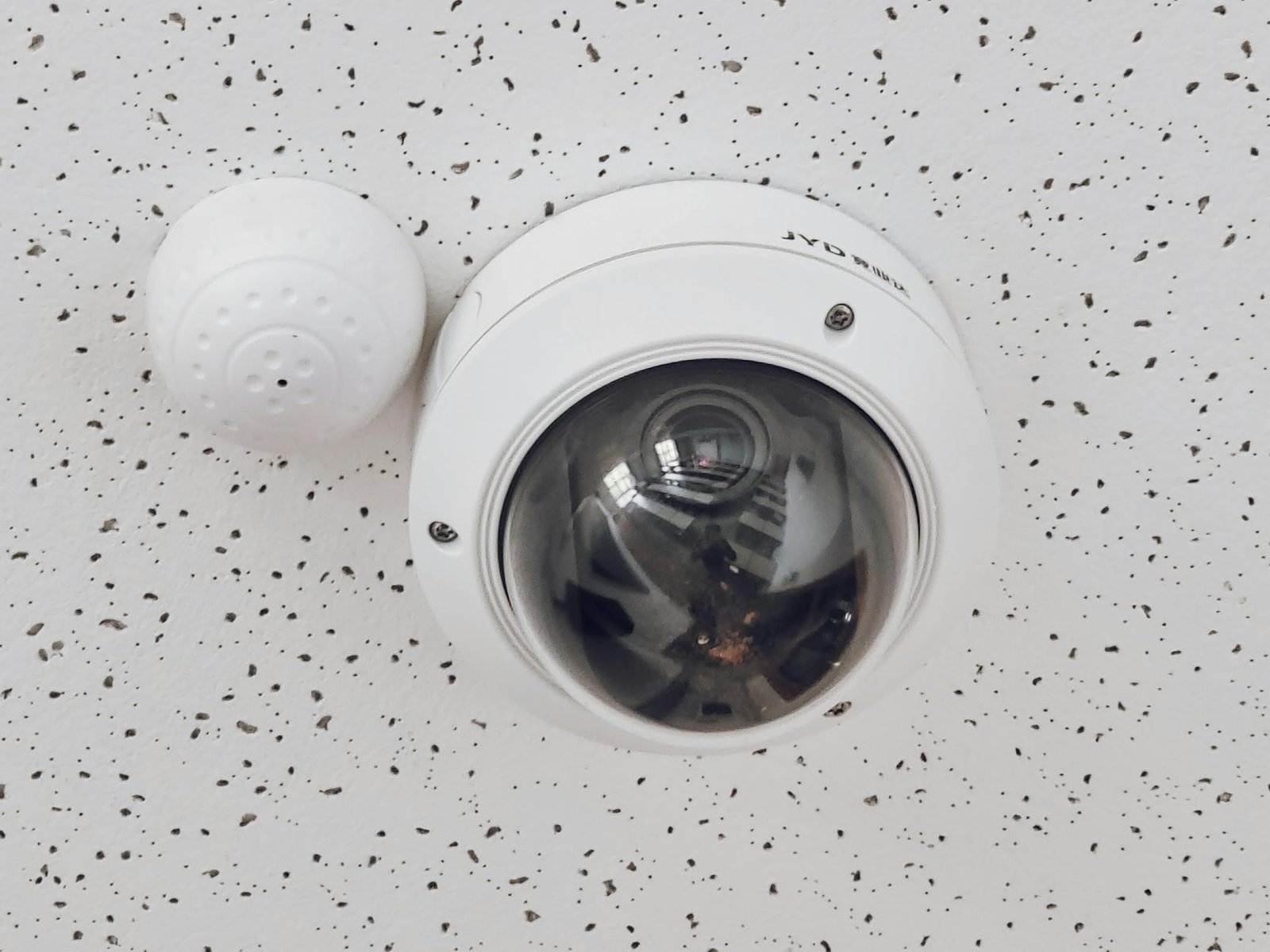
Ceiling-mounted and discreet, dome cameras are the go-to for indoor retail and office environments. They’re vandal-resistant, offer wide-angle coverage, and it’s harder for people to tell exactly where they’re pointing — which is a psychological plus.
Turret Cameras
A versatile middle ground — easy to reposition, great image quality, and suitable for both indoor and outdoor use. If you want one type that does most things well, turrets are a solid choice.
For a deeper breakdown, read our dedicated guide: Bullet vs Dome vs Turret Cameras: Which Security Camera Is Best?
Step 3: Resolution — Don’t Go Cheap on This
For a small business security camera system, you want a minimum of 4MP (2K) resolution. Here’s why it matters in practice:
- 1080p (2MP): Passable at close range, but you’ll struggle to identify faces or read number plates from more than 5–6 metres.
- 4MP (2K): A significant step up — good face and plate recognition at typical business distances.
- 8MP (4K): Best-in-class detail, allows digital zoom without losing clarity. Worth it for high-risk areas like tills and entrances.
We’ve also covered why night vision quality matters just as much as daytime resolution — and why cheap cameras often fail after dark. See our night vision reality check for the full story.
Step 4: Wired vs Wireless — What’s Right for Small Businesses?
This is one of the most debated questions in small business security, and the honest answer is: it depends on your premises.
Wired CCTV (PoE/Coax)
Pros: More reliable, no signal interference, cameras powered over the cable (PoE), no batteries to worry about.
Cons: Installation is more involved — cables need to be run through walls, ceilings, or trunking.
Best for: Permanent business premises where reliability is non-negotiable.
Wireless (Wi-Fi) CCTV
Pros: Quicker to install, easier to relocate, no cable runs needed.
Cons: Subject to Wi-Fi interference, requires strong signal coverage, some systems rely on cloud storage with ongoing subscription costs.
Best for: Rented premises, temporary setups, or businesses that need a fast, low-disruption install.
If you’re fitting out a permanent location, wired PoE is almost always the better long-term investment. It’s more work upfront but far more dependable.
Step 5: Recording — NVR vs DVR and Storage Basics
Your cameras are only as useful as your recorder. For modern IP cameras, you’ll use an NVR (Network Video Recorder). For older analogue or HD-over-coax cameras, you’ll use a DVR (Digital Video Recorder).
If you’re buying new, go NVR and IP cameras — the image quality, flexibility, and feature set are significantly better.
How Much Storage Do You Need?
A simple rule of thumb for a small business system:
- 4 cameras @ 4MP, continuous recording: ~1TB per week
- 8 cameras @ 4MP, continuous recording: ~2TB per week
- Motion-triggered only: Roughly 30–50% less storage
Most small businesses aim for 30 days of footage retention — enough to cover delayed incident reports and insurance claims. That typically means a 4TB–6TB HDD for a 4–8 camera system.
Look for an NVR that supports motion detection recording, remote viewing via app, and has spare channels for future expansion.
Step 6: Legal Requirements for Business CCTV in the UK
If you’re operating in the UK, CCTV at your business premises is subject to UK GDPR and the Data Protection Act 2018. The key obligations are:
- Signage: You must display clear signs informing people they are being recorded.
- Data minimisation: Only capture what’s necessary — don’t record areas where people have a reasonable expectation of privacy (e.g., toilets).
- Retention limits: Don’t keep footage longer than necessary. 30 days is a common and defensible standard.
- Access: Keep footage secure. Only authorised people should be able to view recordings.
- Subject access requests: Individuals captured on your footage can request a copy. You need a process to handle this.
The ICO (Information Commissioner’s Office) has a CCTV code of practice that’s worth reviewing. Non-compliance can result in significant fines.
DIY vs Professional Installation: What Makes Sense for Your Business?
For a very small setup — a single retail unit with 2–4 cameras — a competent DIY install is achievable if you’re comfortable with basic electrical work and network setup. Our beginner-friendly CCTV installation guide walks through the process step by step.
That said, most businesses benefit from professional installation for a few key reasons:
- Cameras positioned for optimal coverage, not just convenience
- Cables concealed and weatherproofed properly
- System configured correctly from day one
- Documentation that supports insurance claims and legal compliance
If you’re looking for expert CCTV consultancy or system design for your business, Roylance Consulting offers professional security consultancy services tailored to small and medium-sized businesses.
Upskill Your Team (or Yourself)
A CCTV system is only effective if the people using it know how to operate it properly — reviewing footage, managing storage, handling access requests, and troubleshooting issues. If your business uses CCTV as part of a wider security operation, investing in proper training pays dividends.
Browse our range of CCTV training courses at the CCTVTrainer shop — covering everything from system operation to data protection compliance for CCTV operators.
Quick Checklist: Small Business CCTV System
- ✅ Surveyed your premises and identified coverage zones
- ✅ Chosen the right camera type for each location (dome/bullet/turret)
- ✅ Specified minimum 4MP resolution
- ✅ Decided wired (PoE) or wireless based on your premises
- ✅ Sized your NVR with enough channels and storage for 30 days
- ✅ Checked night vision capability for low-light areas
- ✅ Displayed CCTV signage and documented your data protection policy
- ✅ Trained relevant staff on system operation
For a comprehensive overview of everything covered in this guide and more, don’t miss our Complete CCTV Guide for 2026.
Frequently Asked Questions
Do small businesses need a licence to operate CCTV?
In the UK, most small businesses don’t need a specific CCTV licence to operate cameras on their own premises. However, if your cameras capture public spaces (e.g., a pavement or shared car park), you may need to register with the ICO as a data controller. Always check current ICO guidance and consult a professional if you’re unsure.
What is the best CCTV system for a small shop?
For most small shops, a 4–8 channel PoE NVR system with 4MP dome cameras is the sweet spot. Look for brands with a proven track record in commercial installations, good app support for remote viewing, and a UK-based supplier or warranty. Avoid the very cheapest systems — image quality and reliability suffer significantly.
How long should I keep CCTV footage for my business?
31 days is the standard recommended retention period for most business CCTV systems. This gives you enough time to identify and report incidents, handle insurance claims, and respond to subject access requests. You shouldn’t routinely keep footage longer than necessary under UK GDPR.
Can I monitor my business CCTV remotely?
Yes — most modern NVR systems include an app that lets you view live and recorded footage from your smartphone or tablet. Make sure remote access is secured with a strong password and, ideally, two-factor authentication. Don’t leave default login credentials in place.
Is wireless CCTV reliable enough for a business?
Wi-Fi CCTV has improved significantly, but for permanent business premises, wired PoE systems remain more reliable. Wireless can be a good solution for rented spaces or situations where cable runs aren’t feasible — but ensure you have strong, stable Wi-Fi coverage in all camera locations before committing.
How much does a small business CCTV system cost?
A basic 4-camera wired system with NVR typically costs $400–$800 for equipment, plus installation costs of $275–$675 depending on complexity. Expect to pay more for higher-resolution cameras or larger systems. Budget systems under $200 total should be avoided — the image quality and reliability rarely meet real-world business needs.