The Complete CCTV Guide for 2026: Choosing, Installing and Running Your Security System
Posted in :

Whether you’re a professional installer scoping out a new job or a first-time buyer trying to figure out what on earth an NVR is — this guide covers everything you need to know about CCTV systems in 2026.
We’ve pulled together the best of everything on this site into one place: camera types, installation tips, storage sizing, common mistakes, and more. Bookmark it. You’ll come back to it.
Need expert help with camera design, system planning, or a full security consultation? Roylance Consulting offers professional CCTV design and IT consulting services tailored to your site.
Step 1: Choose the Right Camera Type
Before you buy a single cable, you need to know what camera type suits your situation. The three most common form factors are bullet, dome, and turret — and they each have strengths depending on where and how they’re deployed.
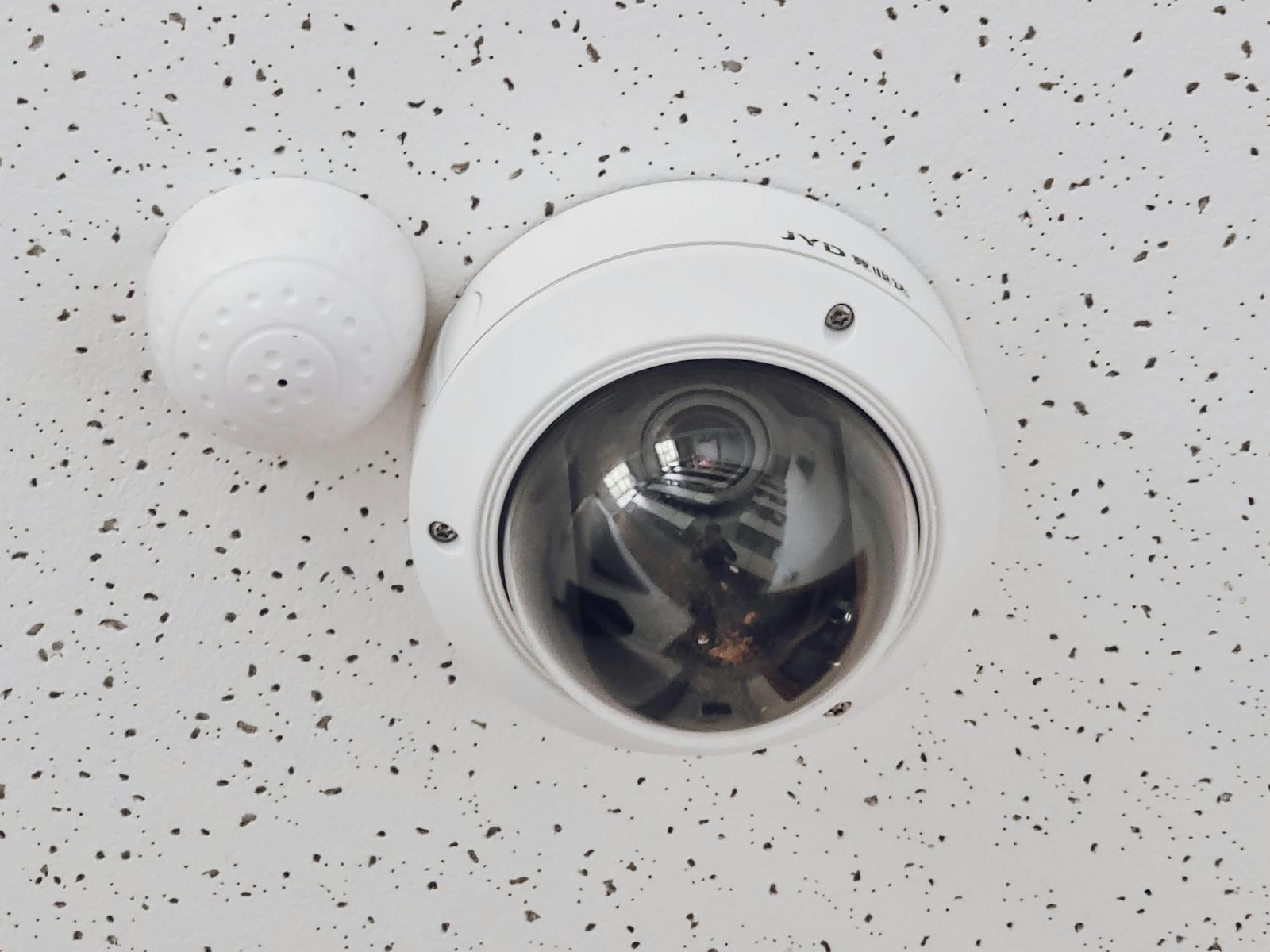
👉 Read our full breakdown: Bullet vs Dome vs Turret Cameras — Which Is Best?
You’ll also need to decide between analog and IP cameras. In 2026, the gap has never been wider — IP systems offer far superior resolution, remote access, and scalability. But there are still scenarios where analog makes sense, particularly on tight budgets or when retrofitting older infrastructure.
👉 Analog vs IP Cameras in 2026: Is It Time to Upgrade?
Step 2: Don’t Skimp on Night Vision
Here’s a hard truth: most incidents happen at night. And most cheap cameras fail exactly when you need them most.
Night vision performance is one of the areas where budget cameras fall apart fastest. Inflated IR range claims, washed-out close-up footage, and poor low-light color performance are all common complaints.
👉 Night Vision Reality Check: Why Cheap Security Cameras Fail After Dark
Step 3: Plan Your Installation Properly
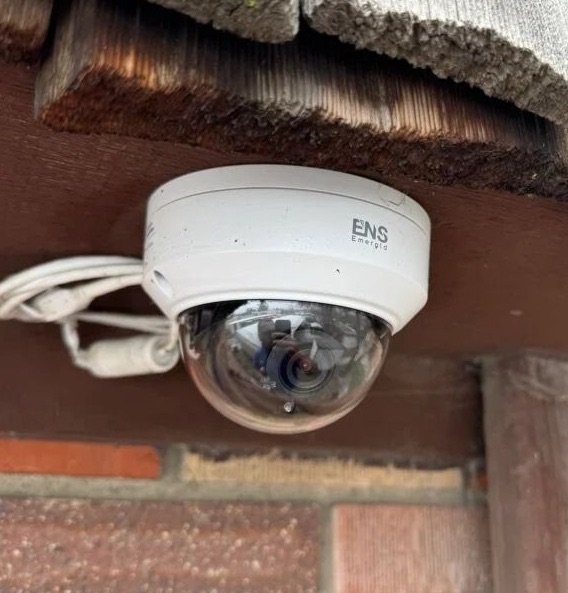
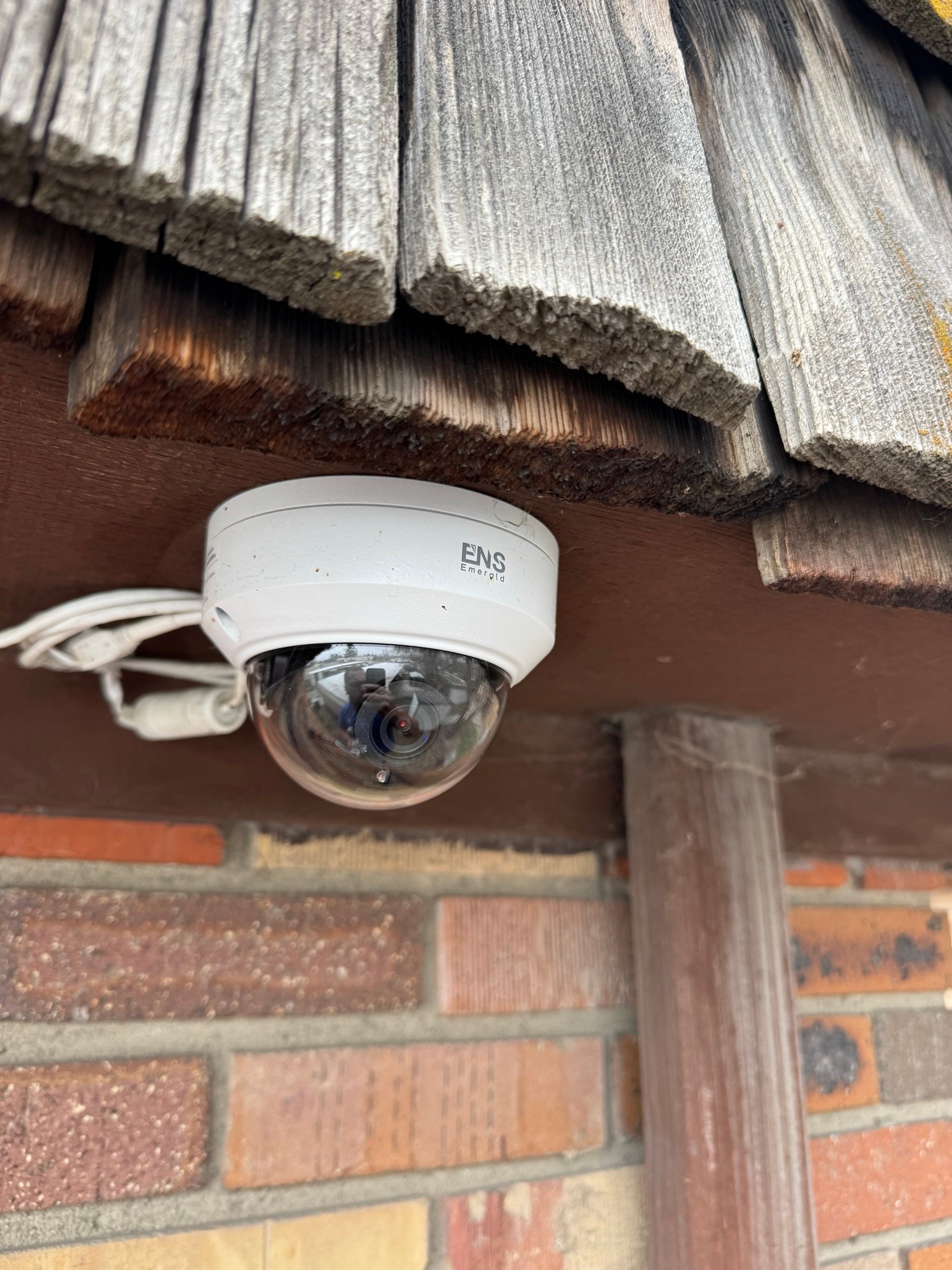
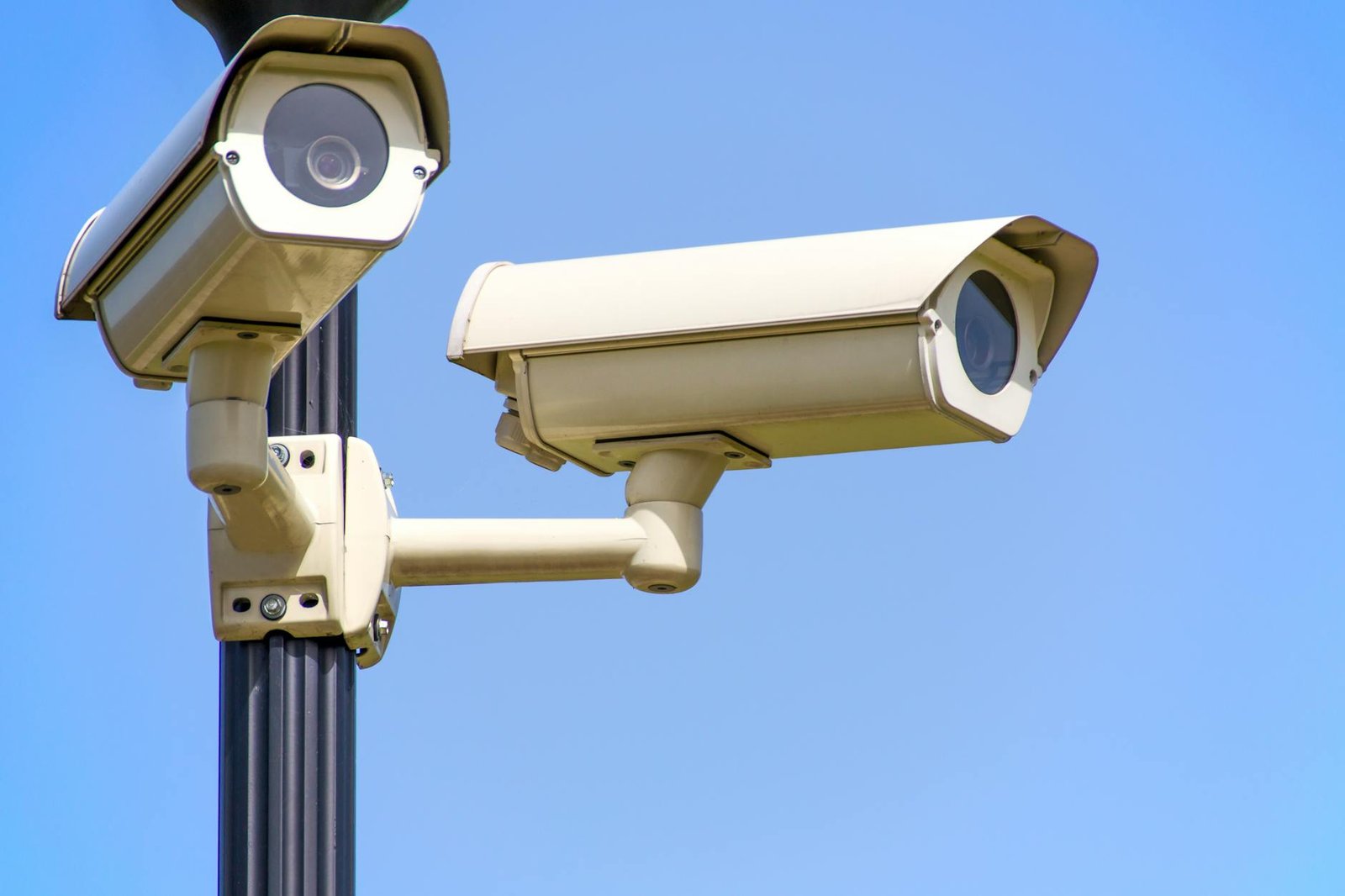
Good installation is what separates a system that works from one that becomes a liability. Camera height, angle, cable routing, junction box placement — none of it is an afterthought.
If you’re new to this, start here:
👉 CCTV Installation Tips & Security Camera Buying Guide (Beginner Friendly)
And learn from others’ mistakes before you make your own:
👉 3 Security Camera Installation Fails (Real Examples)
Step 4: Protect Your Equipment from the Elements
Cameras mounted outdoors face rain, frost, condensation, UV degradation, and in some cases extreme heat. IP ratings, housing quality, and installation method all determine whether your equipment lasts 10 years or 10 months.
Rural installs face particular challenges — exposed locations, greater temperature swings, and less shelter from prevailing weather.
👉 How to Protect CCTV Equipment from Extreme Weather
👉 Best Security Cameras for Rural Properties
Step 5: Size Your Storage Correctly
One of the most overlooked parts of any CCTV build is storage. Get this wrong and you’re either running out of space within days or massively over-spending on drives you don’t need.
For surveillance applications, you need drives specifically designed for 24/7 write workloads — standard desktop HDDs are not built for this and will fail prematurely. The WD Purple range is the go-to choice for most installs.

Storage requirements vary enormously depending on your number of cameras, resolution, frame rate, codec, and how long you need to retain footage. Rather than guess, use our free calculator to get an accurate figure for your exact setup:
👉 Security Camera Storage Calculator — find the right HDD size for your system
It factors in resolution, compression codec (H.264, H.265, H.265+), FPS, recording hours, retention period, and recording mode — and recommends matching surveillance drives from the store.
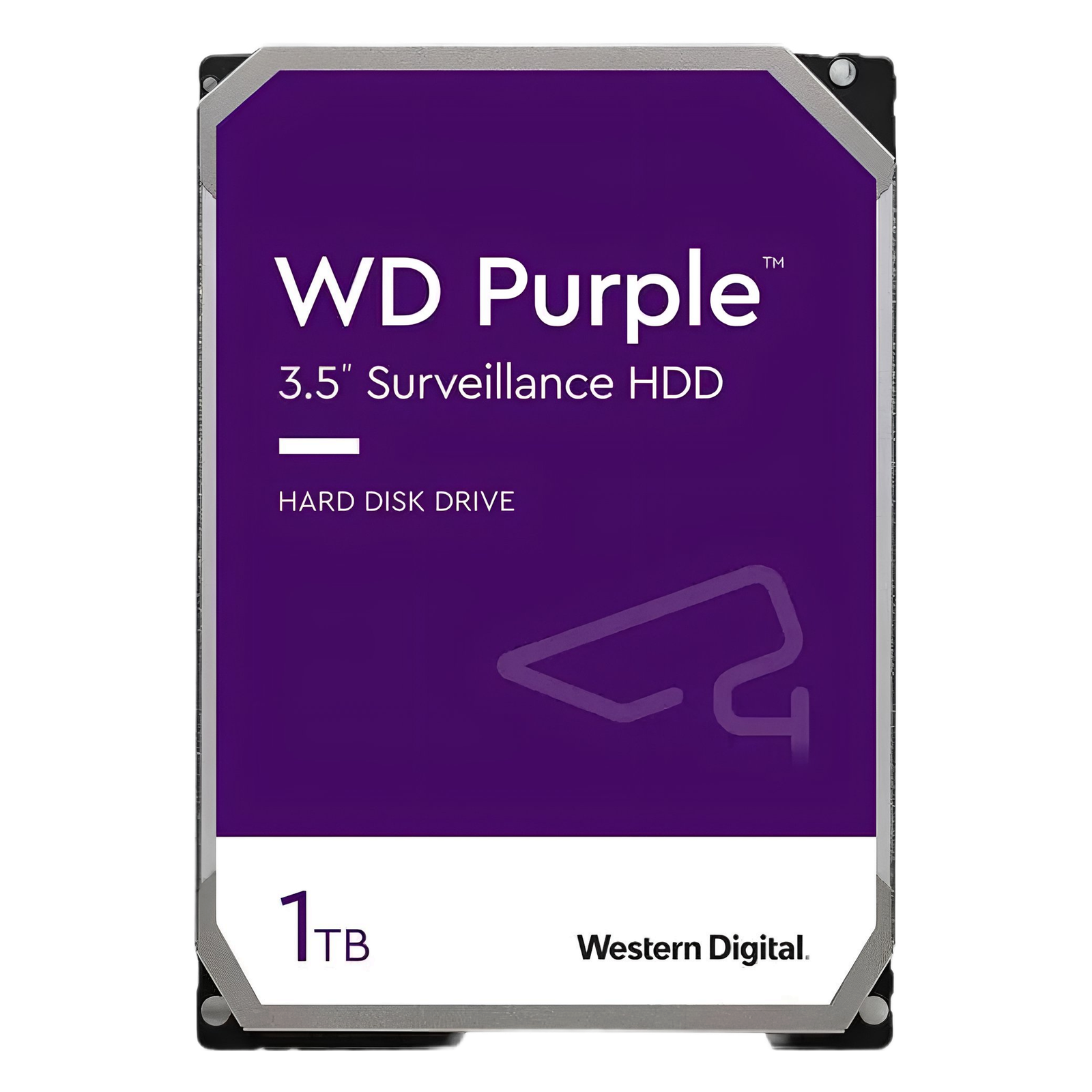
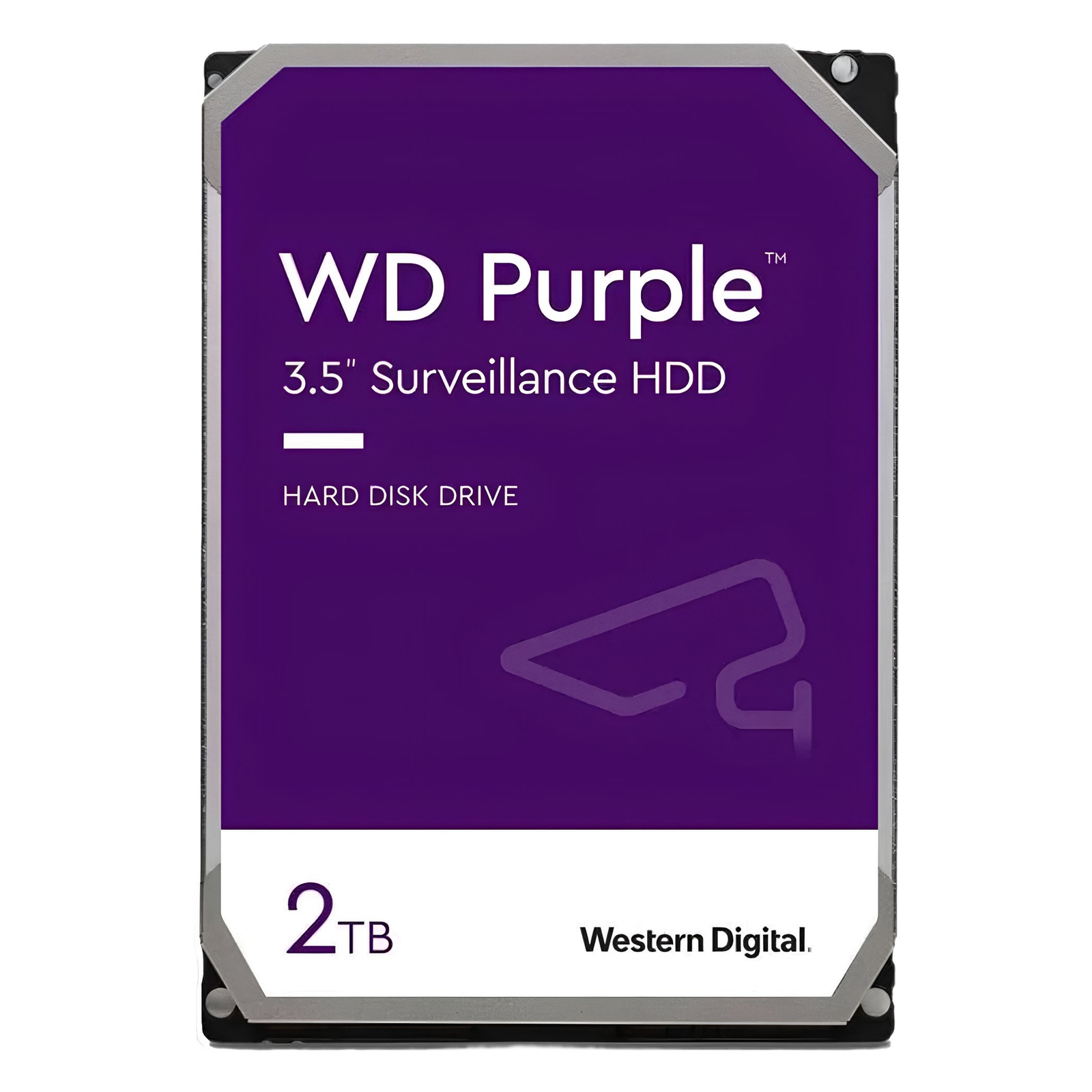
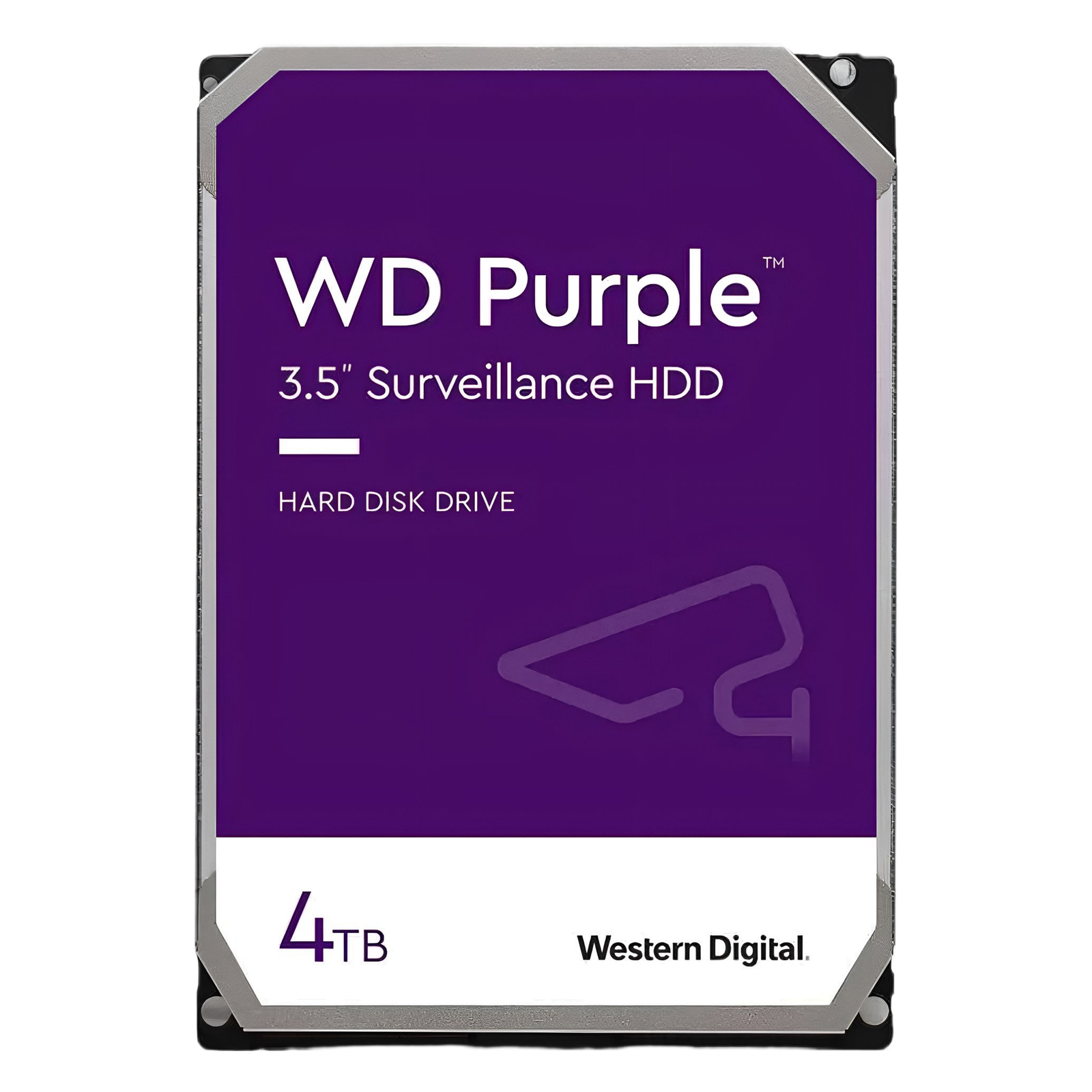
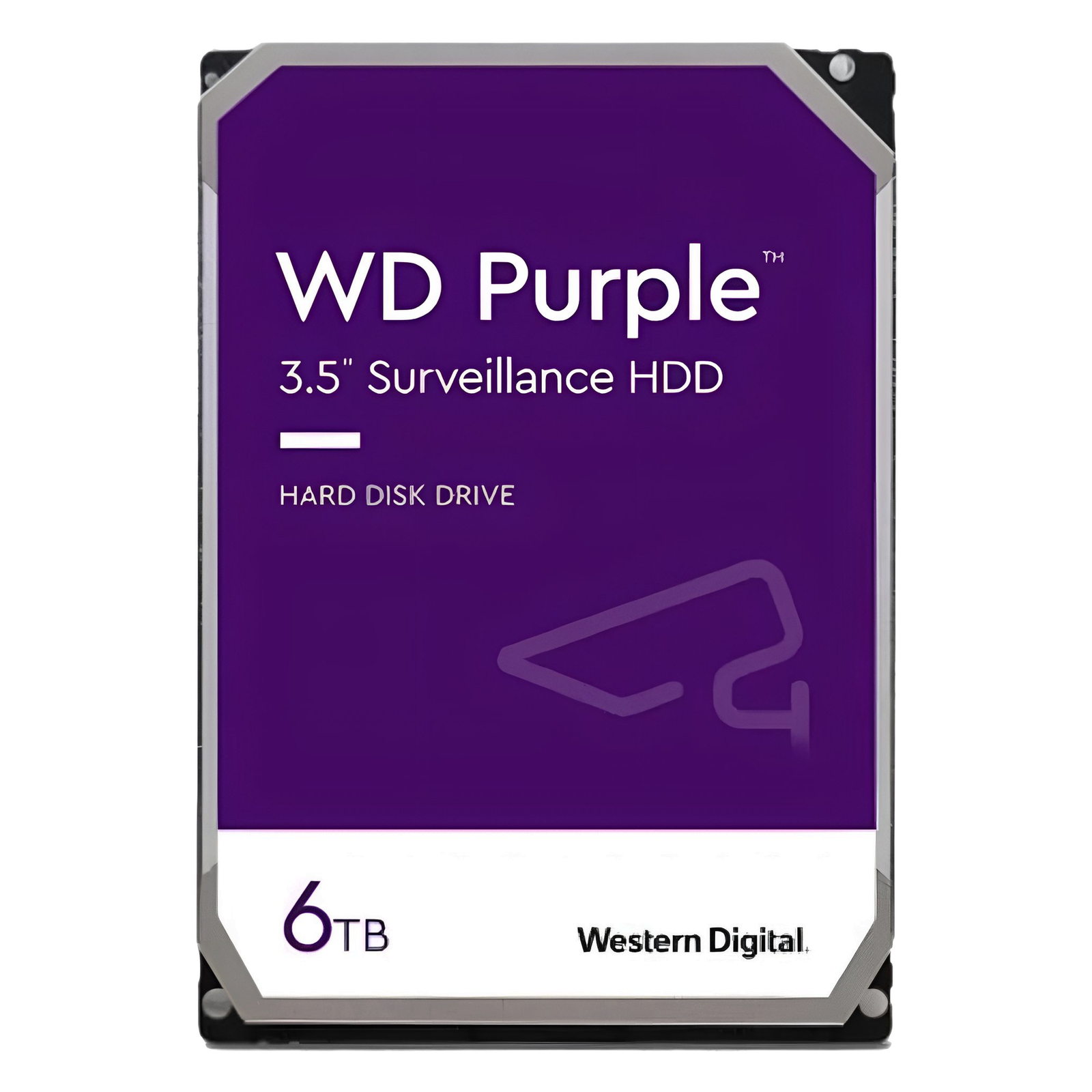
Browse the full range of surveillance-rated drives: CCTV Trainer Shop
Step 6: Reduce False Alarms
False alarms are more than an annoyance — they erode trust in your system and, if you’re connected to an alarm receiving center, can result in fines. Motion detection zones, sensitivity tuning, and camera placement all play a role in keeping false triggers to a minimum.
👉 How to Reduce False Alarms in CCTV Systems
Don’t Let Budget Decisions Cost You More in the Long Run
We see it constantly — customers who bought cheap, had problems, and ended up spending more fixing it than they would have spent doing it right the first time. Cheap cameras, undersized storage, poor cable runs — it all adds up.
👉 The Real Cost of Cheap Security Cameras
Need Professional Help?
Sometimes you need more than a guide. If you’re planning a larger install, designing a multi-site system, or just want an expert eye on your setup — Roylance Consulting offers professional CCTV design, camera placement planning, and IT consulting. Get it right the first time.
Frequently Asked Questions
What’s the difference between DVR and NVR?
A DVR (Digital Video Recorder) is used with analog cameras; an NVR (Network Video Recorder) works with IP cameras. NVRs are the modern standard and offer better resolution, remote access, and scalability.
How many cameras do I need?
For a typical home: 2–4 cameras covering entry points and key areas. For a small business: 4–8 cameras. For larger commercial sites, a proper site survey is recommended. Roylance Consulting can help with site surveys and system design.
How long should CCTV footage be kept?
In the US, 30 days is a common retention period for most applications, though requirements vary by state and industry. Always check relevant regulations for your context.
Do I need planning permission for CCTV?
In most cases no, but local zoning laws or HOA rules may apply, particularly if cameras overlook neighboring property or public spaces. Always check with your local authority if unsure.
What hard drive should I use in my DVR/NVR?
Always use a surveillance-rated drive — WD Purple, Seagate SkyHawk, or similar. Standard desktop drives are not designed for the continuous read/write demands of CCTV recording and will fail early. Use our Storage Calculator to find the right capacity for your system.